



A single sentence can be the difference between a 60% confirmation rate and a 90% one. That's not an exaggeration. Dental practices using well-crafted reminder texts are seeing no-show rates drop by half, simply because patients are more likely to follow through on direct commitments. The challenge? Most templates fail to solve the three problems that actually eat into front-desk time: non-responders, last-minute cancellations, and the endless chase for recall appointments.
Why your confirmation rate directly determines chair utilization
Confirmation rates aren't a vanity metric. They're the foundation of predictable revenue.
A practice running at 60% confirmation lives in constant reactive mode. Gaps appear without warning, the schedule becomes a puzzle to solve daily, and the front desk spends more time chasing patients than serving the ones who show up. At 90% confirmation, the picture changes entirely. Schedules hold, production targets become achievable, and staff actually have time to focus on patient experience.
The gap between these two realities often comes down to a single sentence in the reminder template. We've seen practices using dental appointment reminder text templates that stop no-shows move from one category to the other with minor wording changes.
The front-desk math is brutal. Every non-responder triggers a callback. Every callback takes three to five minutes of staff time. Multiply that across 40 daily appointments, and a 60% response rate means roughly 16 follow-up calls, adding over an hour of phone work to an already stretched reception team. At 90%, that drops to four calls. The difference compounds week after week.
Smart practices treat their reminder templates as operational infrastructure, not just patient communication. The right wording protects chair time, reduces payroll drain, and keeps revenue flowing without the constant scramble.

Scenario 1: Templates that convert non-responders without callbacks
Non-responders are the silent drain on front-desk productivity. A patient who ignores the first reminder triggers a manual follow-up call, and that call rarely happens on the first attempt. The phone tag begins.
Best practice timing follows a clear sequence: an initial text 48 to 72 hours before the appointment, a follow-up call for non-responders at the 24-hour mark, and a same-day confirmation for those who replied. The practices seeing the best results front-load the work into that first message, reducing the need for the second and third touchpoints entirely.
The template structure matters more than most teams realize. Messages under 160 characters fit in a single SMS without splitting, which keeps delivery reliable and read rates high. One-tap replies like "Y" or "C" have become the standard, replacing the friction of asking patients to call back. And a clear consequence for silence, phrased respectfully, drives action.
A template that works: Hi [Name], your dental appt is [Date] at [Time]. Reply Y to confirm or we may need to offer your slot to another patient.
For practices in the Netherlands and Belgium, WhatsApp often outperforms SMS on open rates. The same principles apply, but with interactive buttons. A WhatsApp message from [Practice Name] with a date, time, and two tap options, Confirm or Reschedule, removes the typing barrier entirely. Practices using well-structured dental reminder SMS templates report significantly fewer callbacks within the first week.
Scenario 2: Templates that enable self-service rescheduling
Last-minute cancellations create a different kind of problem. The chair sits empty, and the front desk scrambles to fill it while juggling incoming calls. The real cost isn't just lost revenue. It's the cascade of urgent rebooking calls that consume staff attention.
Cancellation policies requiring 24 to 48 hours' notice only work when patients actually know about them. The most effective templates state this explicitly, removing any ambiguity. But here's what separates good templates from great ones: a reschedule link instead of just a cancel option. Patients who click "Reschedule" stay in the booking flow. Those who simply cancel often disappear into the recall pile.
Confirmation texts reduce no-shows by 50% when they create direct commitment. The same psychology applies to rescheduling. A patient who picks a new time slot has made a fresh commitment, captured in a single interaction rather than a phone call that may never happen.
Summer months expose the cracks in any reminder system. No-shows spike as patients prioritize holidays and family plans. Practices seeing success during these periods push their reminder sequences earlier, sending at 72 hours instead of 48. The extra buffer gives time to rebook slots that would otherwise go empty.
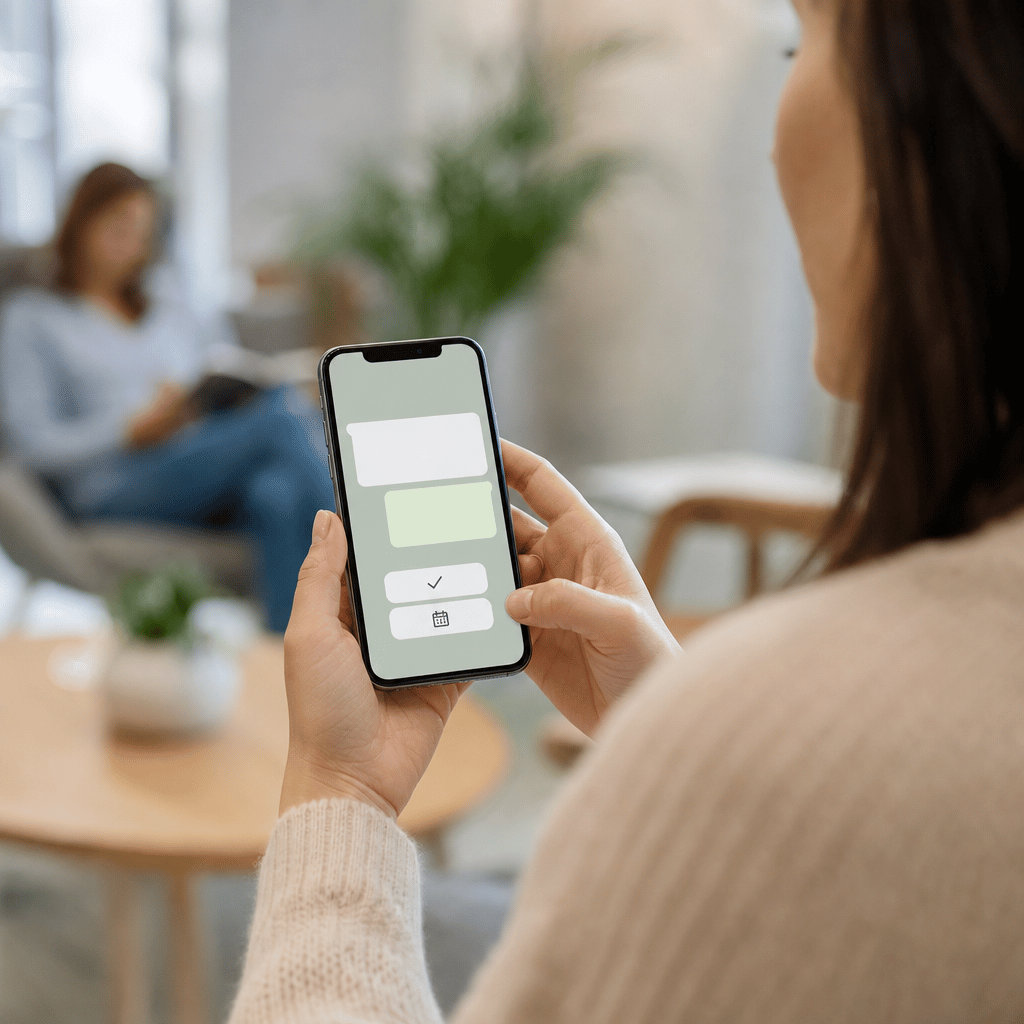
Practices using WhatsApp and web chat for dentists are seeing particularly strong results with two-button templates. One tap to confirm, one tap to reschedule. No typing, no calls, no friction.
Scenario 3: Recall templates that reduce chasing
Recall patients are the most labor-intensive segment of any dental practice's outreach. These patients rarely respond to the first message, triggering a cycle of follow-ups that can stretch over weeks. The front desk ends up chasing people who may have simply forgotten their last cleaning was eight months ago.
The most effective recall templates share a few structural elements. Personalizing with the last visit date creates relevance. A message reading "Hi [Name], it's been 6 months since your last checkup at [Practice]" lands differently than a generic "time for your appointment" prompt. Adding a direct booking link removes the friction of calling back, and one-tap confirmation with a simple "Reply YES" has become standard practice. Patients respond more readily when the action requires seconds, not a phone call.
Urgency without pressure is the balancing act. Phrases like "slots are filling quickly for [Month]" work better than countdown language that feels pushy. Practices drawing from dental office text messaging templates are finding success with this balance.
For European practices, GDPR compliance is non-negotiable. Every recall message needs opt-out instructions and practice contact details. Something as simple as "Reply STOP to unsubscribe" plus the practice phone number covers the basics.
The sequence that's working: an initial recall text, a follow-up two weeks later for non-responders, then handoff to front desk only for persistent silence. Most patients respond before the third touchpoint.
Template mechanics: Character limits, timing, and channel choice
The 160-character threshold isn't arbitrary. SMS messages that exceed this limit split into multiple parts, which can arrive out of order or trigger delivery failures. The most effective templates stay well under this ceiling, leaving room for the patient name and appointment details to populate without pushing past the boundary.
Timing follows a predictable pattern across high-performing practices. Standard appointments work best with reminders at 48 to 72 hours. Procedures requiring patient preparation, like extractions or implant consultations, benefit from a one-week heads-up followed by the standard 48-hour reminder. Same-day confirmations at the two-hour mark catch patients who confirmed days ago but may have forgotten.
Channel selection varies by market. UK practices still see strong SMS open rates, often above 95%. In the Netherlands and Belgium, WhatsApp has become the default for patient communication, with open rates consistently outperforming SMS. Email serves as the backup across all regions, useful for detailed prep instructions but too slow for day-of confirmations.
A compliant SMS example at 142 characters: [Practice Name]: Dental appt [Date] [Time]. Reply C to confirm or R to reschedule. Reply STOP to opt out.
The WhatsApp equivalent uses interactive buttons instead of reply codes, removing friction entirely. Both formats include the practice name, appointment type, and opt-out mechanism required under GDPR.
Practices tracking channel performance often discover that their assumptions about patient preferences were wrong. The data tells a clearer story than intuition.
From templates to automation: Removing manual work entirely
Templates solve the wording problem. But someone still has to send them.
A well-crafted reminder text means nothing if the front desk is manually firing off messages between patient check-ins, phone calls, and insurance queries. The cognitive load remains. Staff toggle between systems, copy appointment details, and track who replied. The template itself works, but the process around it doesn't scale.
Automation changes the equation entirely. An AI dental receptionist sends the full sequence without human intervention. First reminder at 72 hours, follow-up for silence at 24 hours, same-day confirmation for those who replied. Replies flow back automatically, with the system parsing "Y" and "C" responses, updating the schedule, and flagging only genuine exceptions for staff attention. A patient asking to speak with someone gets escalated. A straightforward confirmation gets processed in the background.
The metric worth tracking: callbacks per 100 appointments. This number captures both template effectiveness and automation coverage. A practice manually sending reminders might see 25 callbacks per 100 appointments. With full automation, that drops to single digits. The difference is hours of staff time recovered each week.
The goal isn't to remove human judgment from patient communication. It's to redirect that judgment where it matters. Complex treatment questions, anxious patients, insurance confusion. These deserve front-desk attention. Confirmation phone tag does not.
See how Voicelabs automates appointment confirmations and recall sequences so your front desk can focus on patients in the practice, not patients on the phone.